Book a service
Book a ride, or buy food or groceries from one of our partners, and all parties get notified instantly
Learn how Sajo works to connect you with rides, food, and groceries. From requesting to delivery, discover the seamless process that makes your life easier.
Download and install Sajo, sign up, and book a ride, or place an order for food or groceries which will be delivered to you, shortly

Once you book a ride, our partners will know about it, and they get to work immediately...
reach you by phone, and start coming down to pick you up
reach you by phone to confirm order, start preparing your meal as fast as they can..
reach you by phone to confirm order,. start packaging your groceries, in fresh condition, quickly.
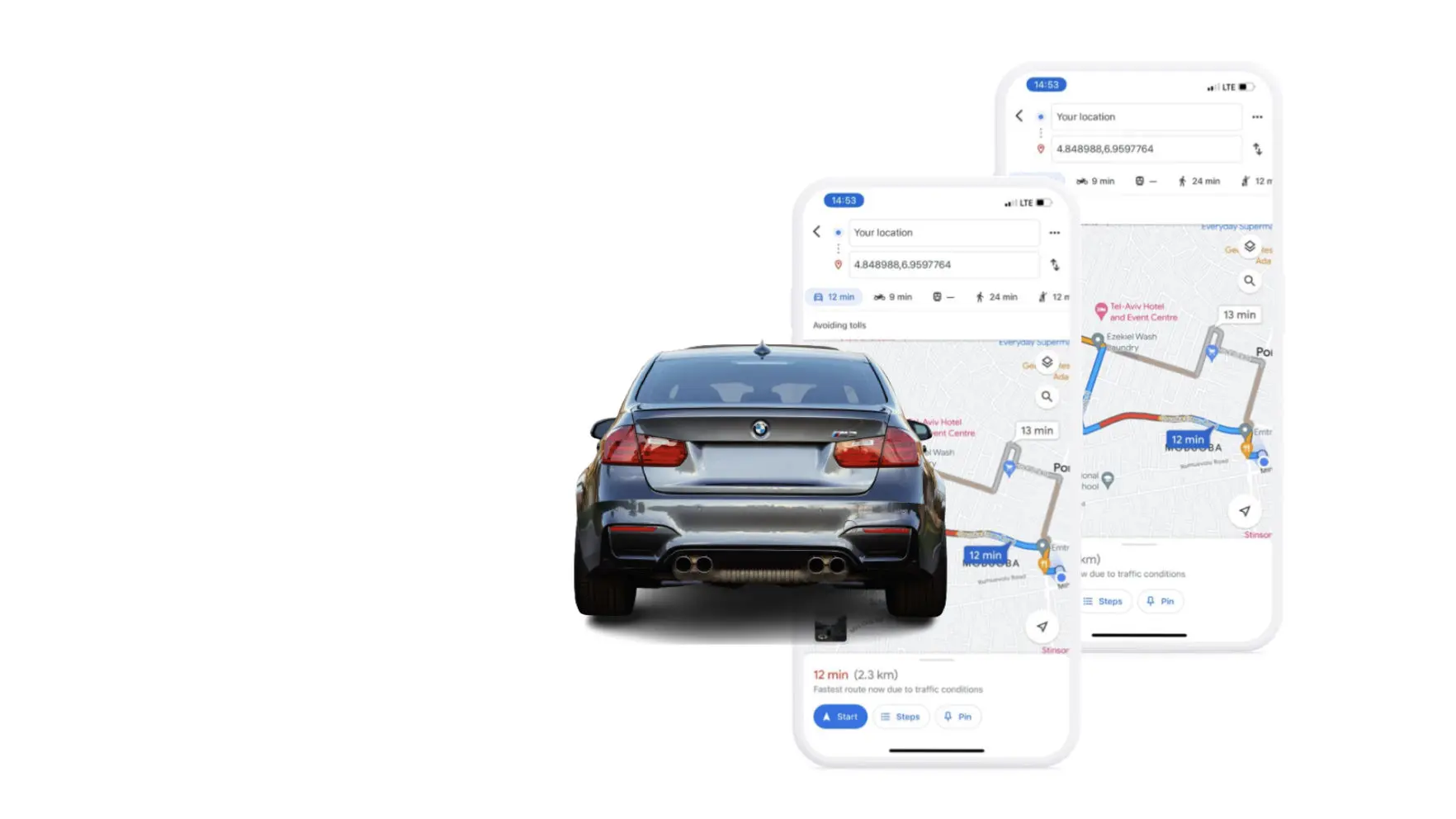

The ride driver picks you up to start the ride, the delivery driver picks up your food or groceries from the respective partner.
Picks you up at your current location to start the trip
picks up your food from the restaurant that you picked to start the trip to you
picks up your groceries from the store that you picked to start the trip to you
the driver drops you off at your destination, safely, the food driver gets your food to you, still warm, tasty and well packaged, and your groceries get to you, fresh, with Sajo overseeing all of these activities from our systems, and app.

You can download the Sajo app for free from Sajo Store or Google Play Store. Search for "Sajo" and follow the instructions to install it on your device
Open the Sajo app and select "Sign Up." Enter your details, including your name, email address, and phone number. Set a password, agree to the terms, and tap "Sign Up" to create your account
After logging in, select Sajo appropriate option from the home screen (Rides, Food, or Groceries). Follow the prompts to enter your pickup/delivery location and select your desired options
Sajo accepts various payment methods, including credit/debit cards and digital wallets. Go to the "Payment" section in Sajo's settings, add your preferred payment method, and ensure it is selected during the checkout process
Once your request is confirmed, you can track the progress of your ride or delivery in real-time on the Sajo app. Simply navigate to the respective section (Rides, Food, or Groceries) and locate your active order
Sajo prioritises safety. We thoroughly screen drivers and delivery partners, provide in-app SOS buttons, offer 24/7 customer support, and enable users to share trip or delivery details with trusted contacts
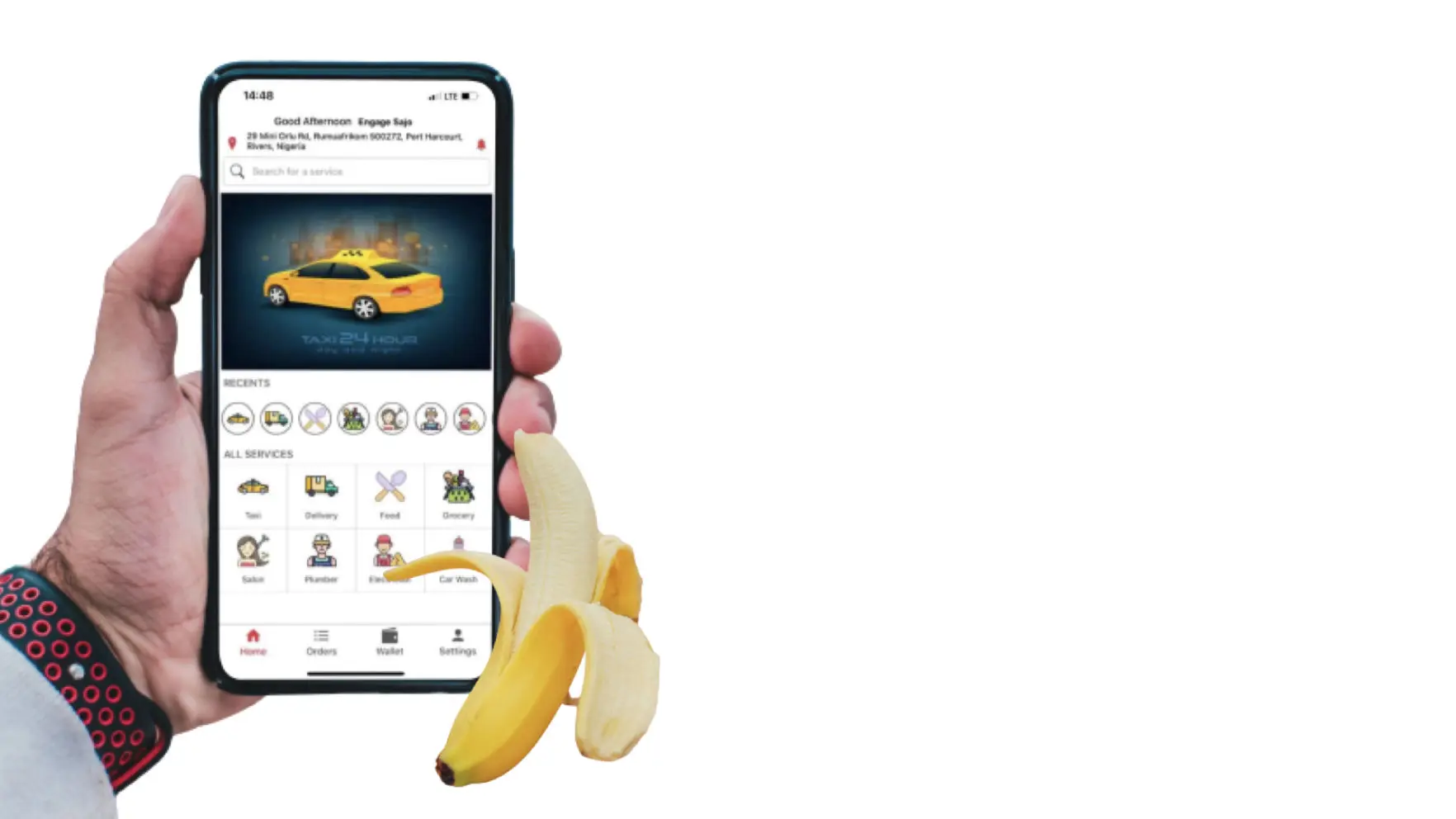
You can reach our customer support team by initiating a chat with the support team on the website. From there, you can access FAQs, submit a support request, or find contact information for further assistance
Sajo offers the option to schedule rides in advance. Simply select the "Schedule Ride" option during the ride booking process. Currently, pre-ordering food or groceries is not available, but we are continuously working to enhance our services
After each completed ride or delivery, you have the opportunity to rate and provide feedback on the driver or delivery partner. You can do this by accessing the "My Rides" or "My Orders" section in Sajo and selecting the respective completed service
Cancellation fees may apply depending on the specific circumstances and the service you are canceling. The cancellation policy can be found in Sajo's terms and conditions or on the respective service page within Sajo app

Still More Questions?
You can either scan the QR Code, and it will take you to the form to engage us, or click below
